

QuiNVarium Wallet
Back up the recovery phrase
Create an offline backup that can restore the wallet without exposing it to another person or service.
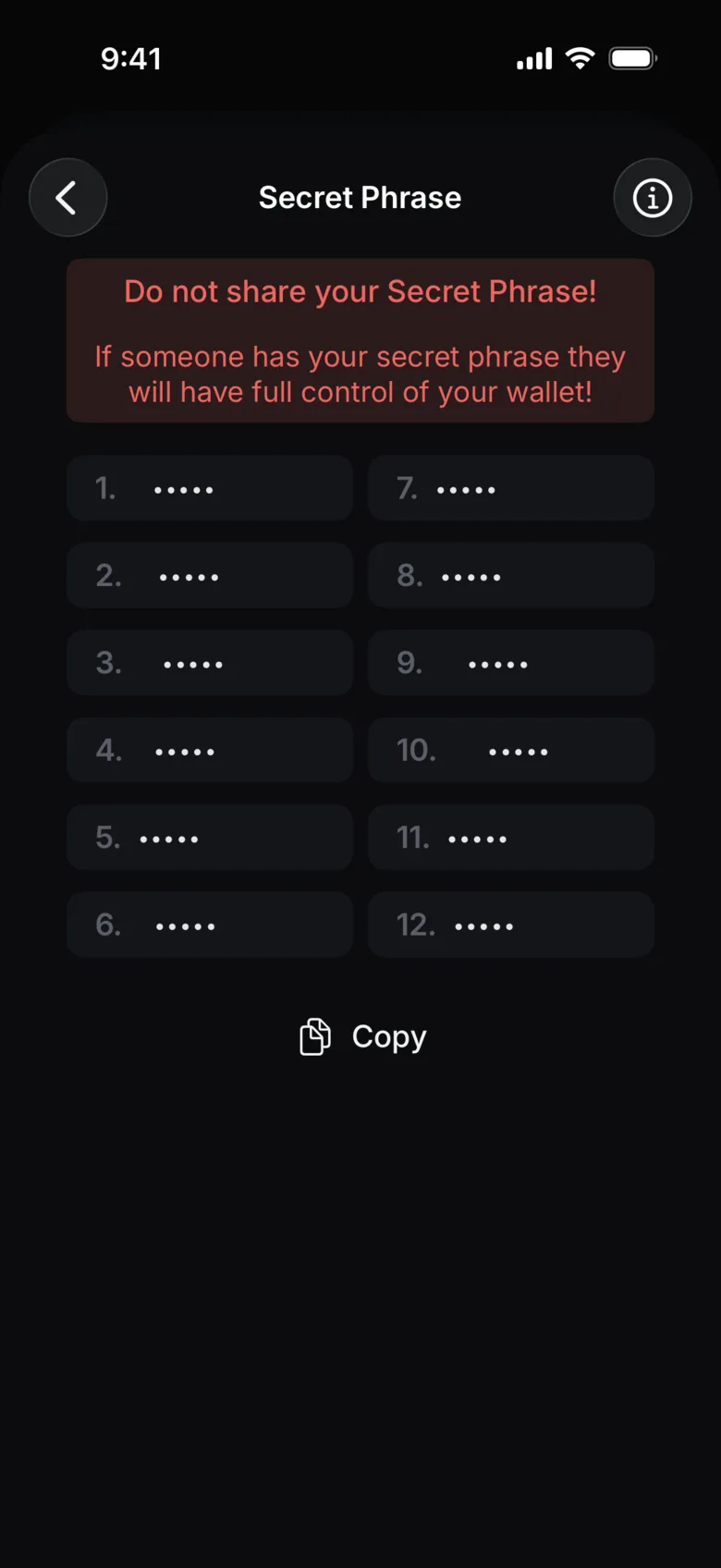
A recovery phrase is the primary backup for a self-custody wallet. Copy it accurately, keep it offline and protect it from both loss and disclosure.
Make the backup#
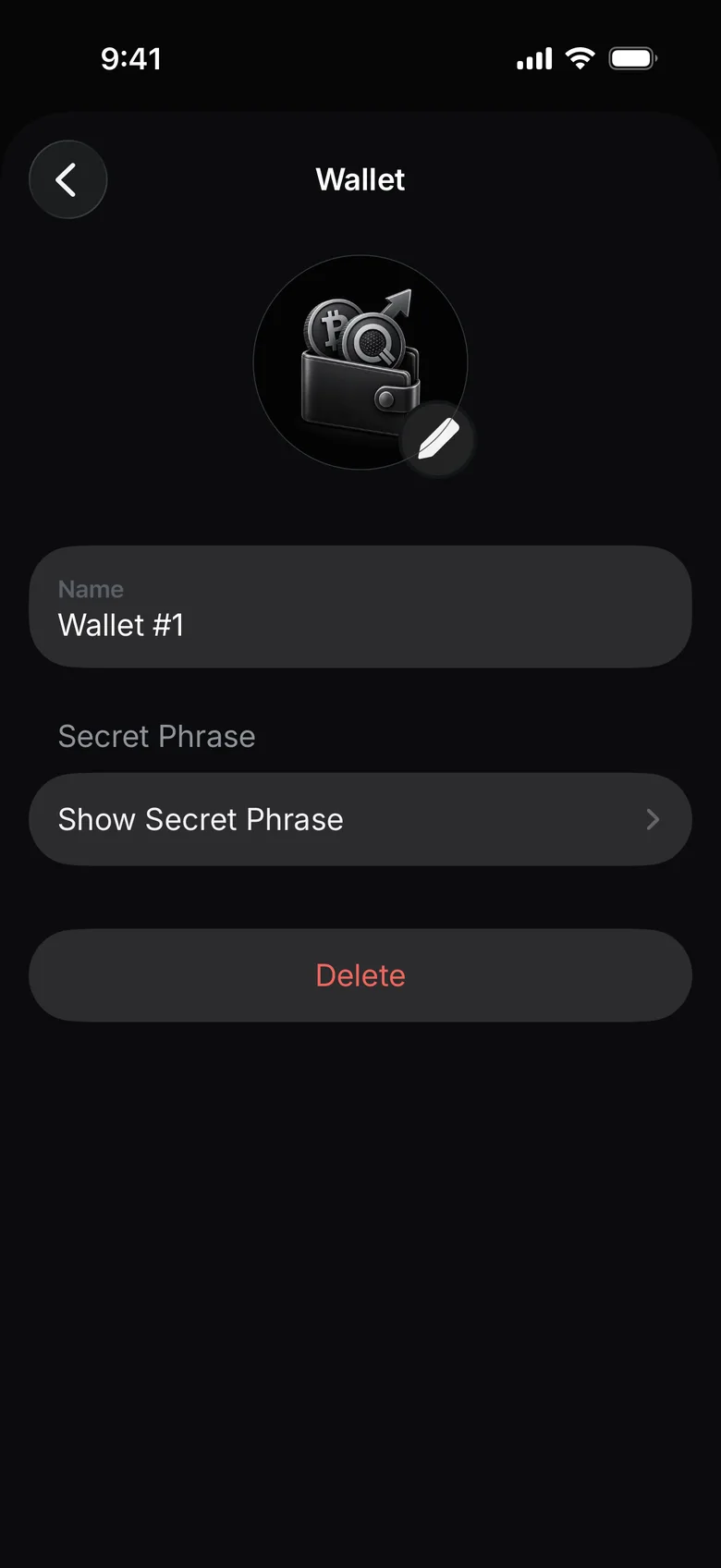
- Open Settings → Wallets and tap the gear next to the wallet.
- Under Secret Phrase, tap Show Secret Phrase.
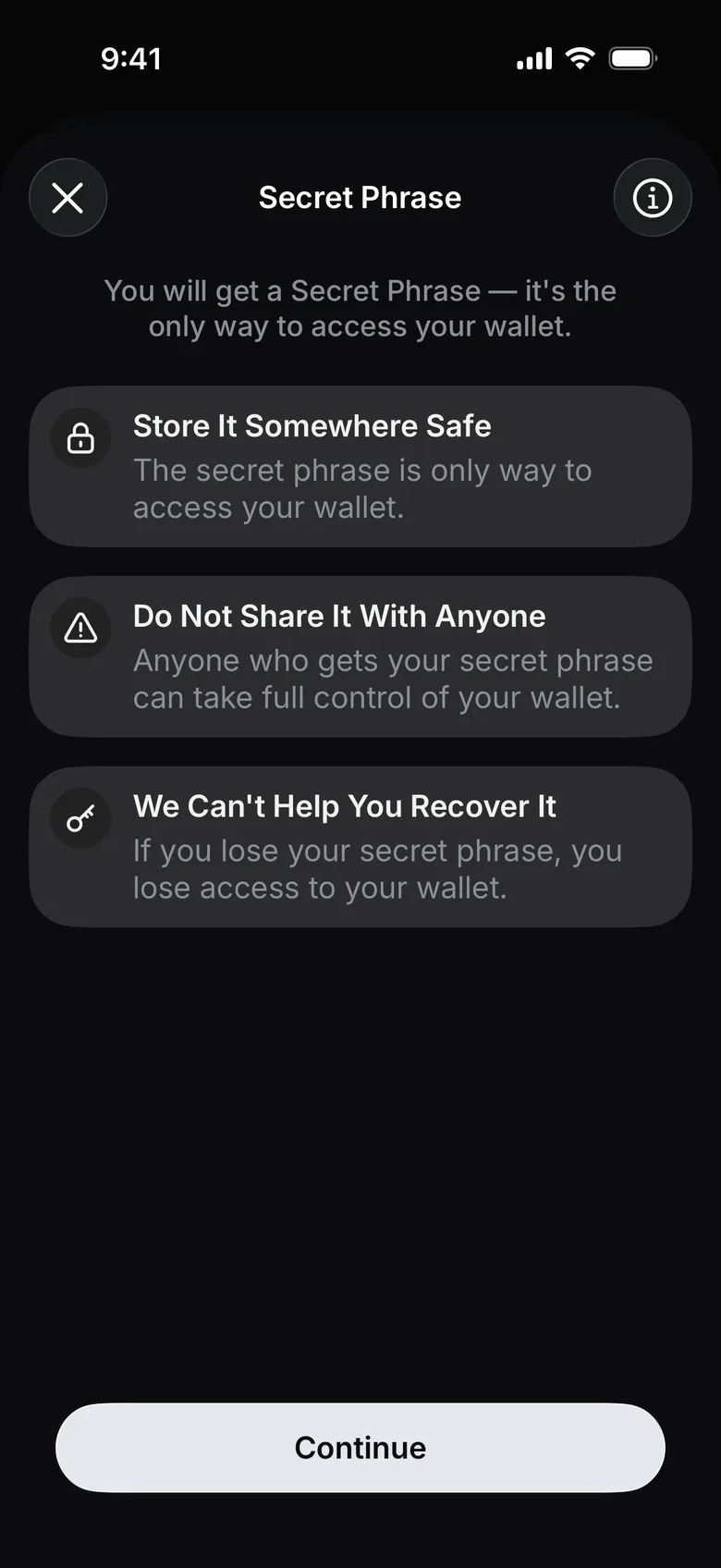
- Read the warnings and tap Continue. Work in a private place without cameras or screen sharing.
- Write the words exactly and in order on paper, then check spelling and order against the app.
- Store the paper in a place separate from the device.
Do not store it here#
- screenshots or photo libraries;
- cloud notes, email or chat;
- password fields on an unknown website;
- support tickets;
- a document shared with another person;
- a device clipboard for longer than the immediate recovery flow.
Test your process safely#
Confirm that the writing is readable and complete. Do not perform repeated restoration on an online or unfamiliar device merely to test the phrase.
If the phrase may have been seen#
Treat it as exposed. Follow Recovery phrase exposed rather than creating another copy of the same phrase.