

QuiNVarium Wallet
Activity and transaction details
Use the transaction hash and network status to understand what happened after an action was submitted.
The activity list is a wallet view of records reported by supported networks and providers. Open an item to identify the responsible system and current state.
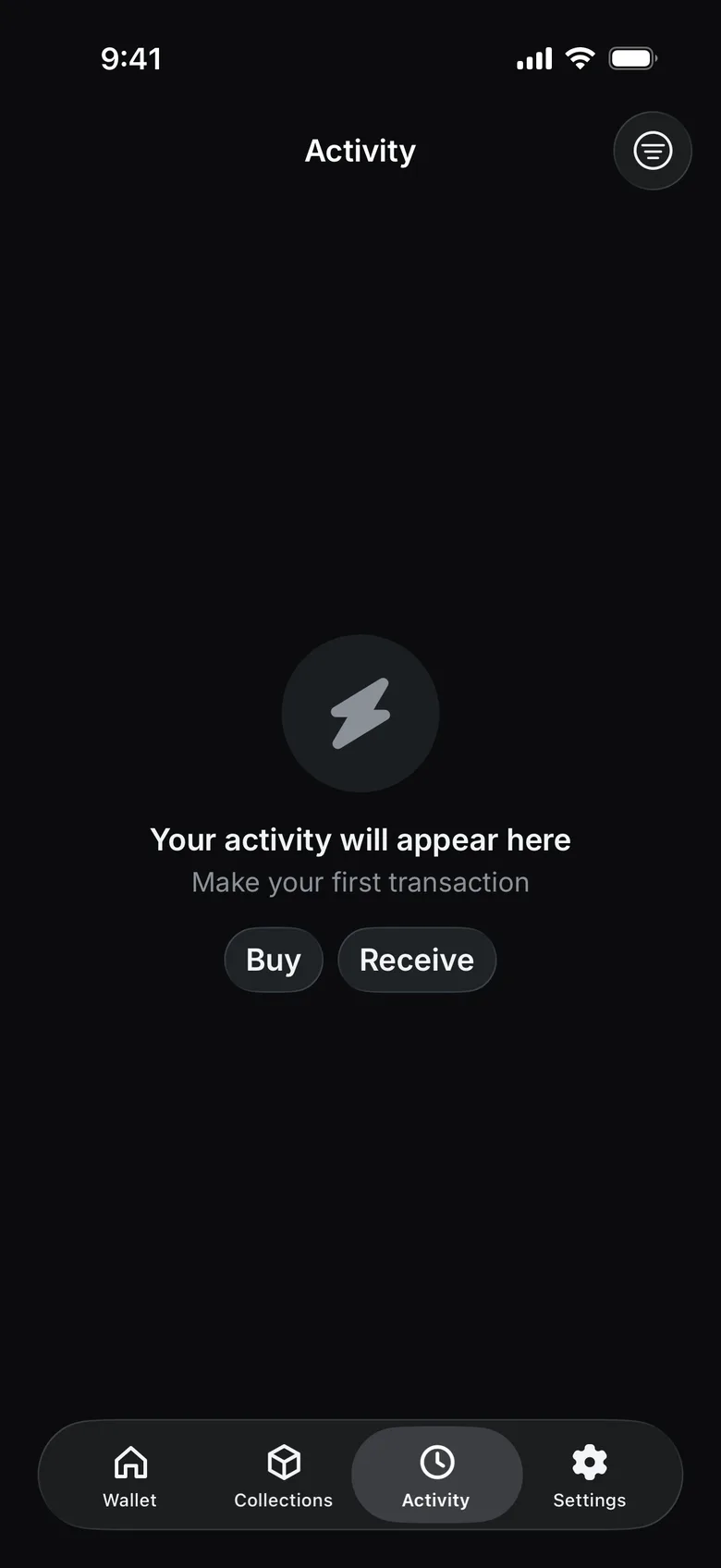
Open the Activity tab; tap an item to see its details.
Important fields#
- Network — where the transaction was submitted.
- Status — local, provider or network state.
- Transaction hash — public network identifier.
- From / To — public addresses involved.
- Amount — transferred value, excluding or including fees as labelled.
- Network fee — amount charged under network rules.
- Provider order ID — separate identifier for a routed swap.
Verify on an explorer#
Use the explorer link generated by QuiNVarium Wallet or the official explorer route from this site. Confirm that the network and transaction hash match before trusting a search result.
Understand the status#
A pending status does not mean the recipient has final access. A failed network transaction can still consume a fee. A provider order can be complete while its payout transaction is still pending.
For help, open Pending or failed transaction.