

QuiNVarium Wallet
NFTs
View and transfer supported NFTs without treating an unsolicited item or embedded link as trusted.
QuiNVarium Wallet can display supported NFTs reported by a network or indexing service. Display does not verify the creator, value, rights or safety of links attached to an NFT.
View an NFT#
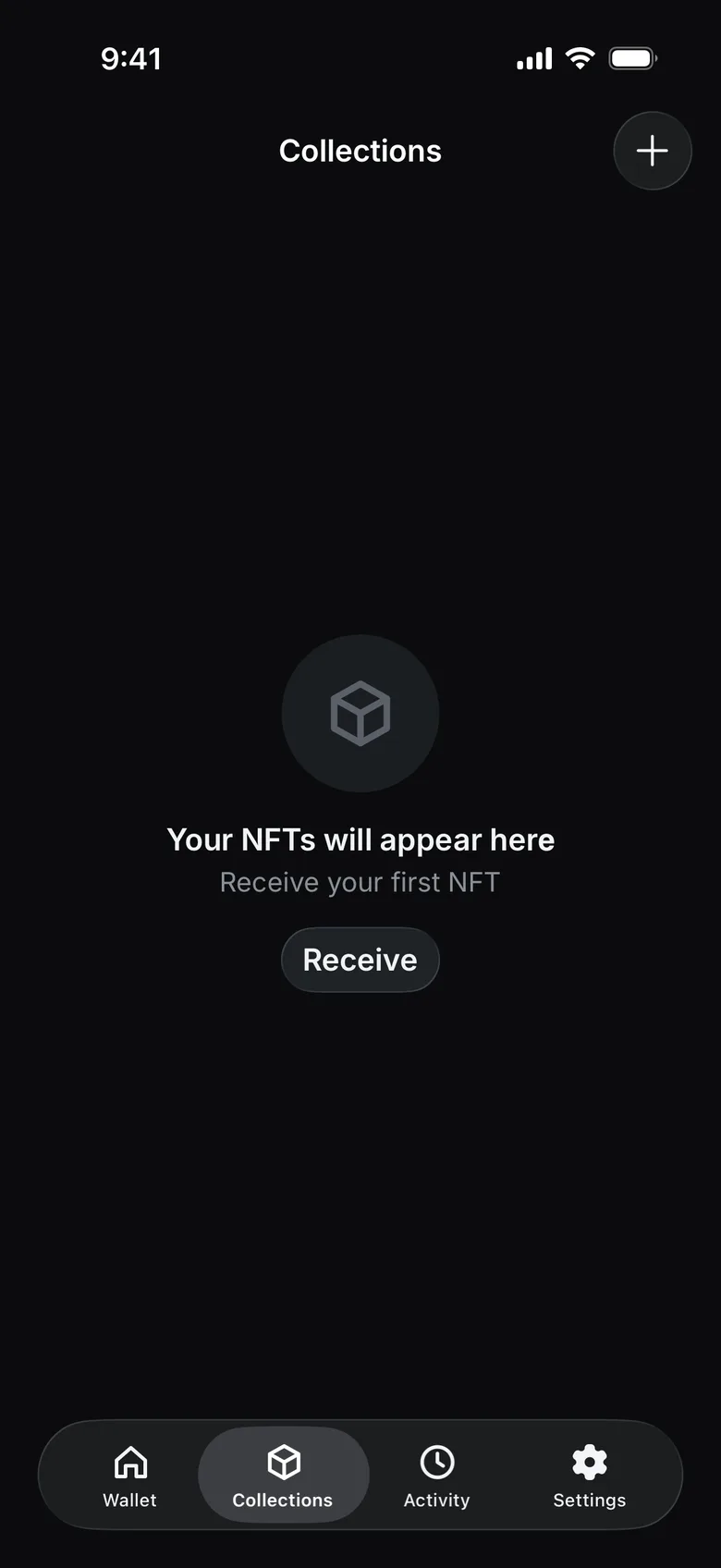
- Open the Collections tab.
- Open the collection and the NFT, then confirm the network and collection details.
- Compare the contract and token identifier with a trusted source when authenticity matters.
- Avoid opening an unsolicited external link from the asset metadata.
Receive an NFT#
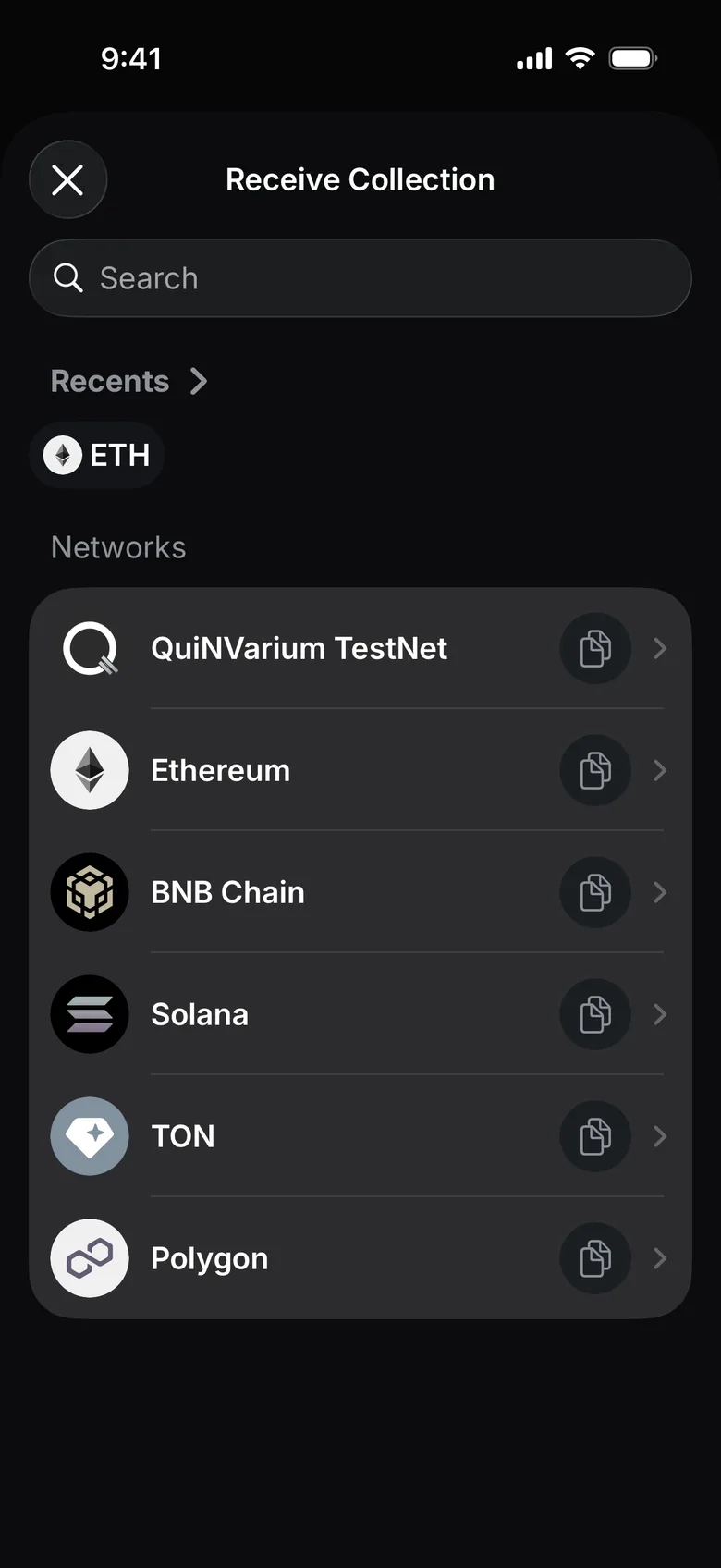
- On the Collections tab, tap Receive.
- Choose the NFT's network and share your address on that network with the sender.
Transfer an NFT#
- Open the verified NFT.
- Choose the transfer action.
- Enter the recipient address.
- Confirm that the recipient supports the same network and NFT standard.
- Review the network fee and full address.
- Confirm the transaction.
Read Suspicious assets and dApps for common traps.