

QuiNVarium Wallet
Send an asset
Choose the correct network, verify the recipient address and review the fee before signing a transfer.
Send an asset only after the recipient confirms the network and address. A signed transaction may become irreversible once accepted by the network.
Before you start#
- Confirm that the recipient supports the selected network.
- Keep enough of the network's fee asset.
- For a new recipient, consider a small test transfer.
Steps#
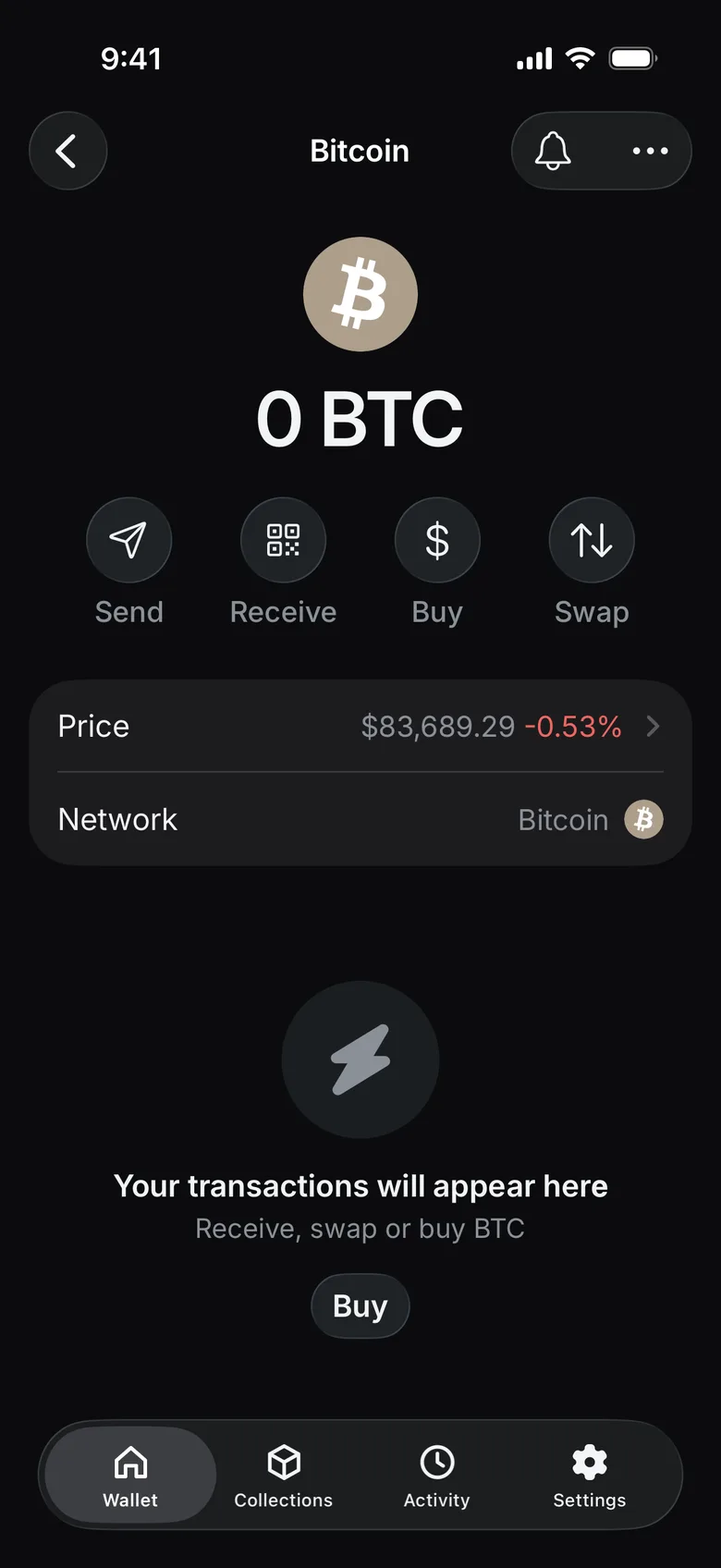
- Open the asset and tap Send.
- In Address or Name, enter or paste the recipient address, or scan its QR code. Tap Continue.
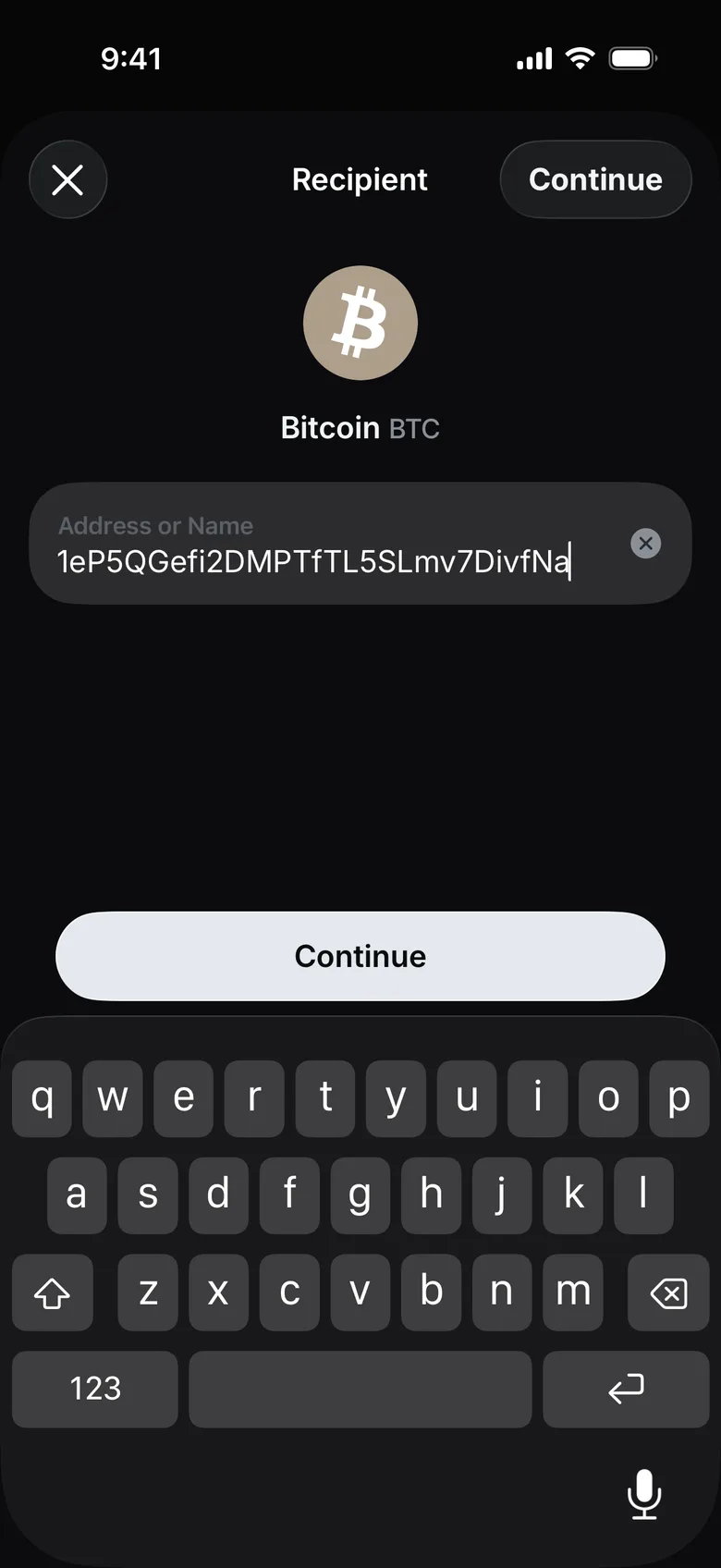
- Enter a memo or tag only when the recipient explicitly requires one.
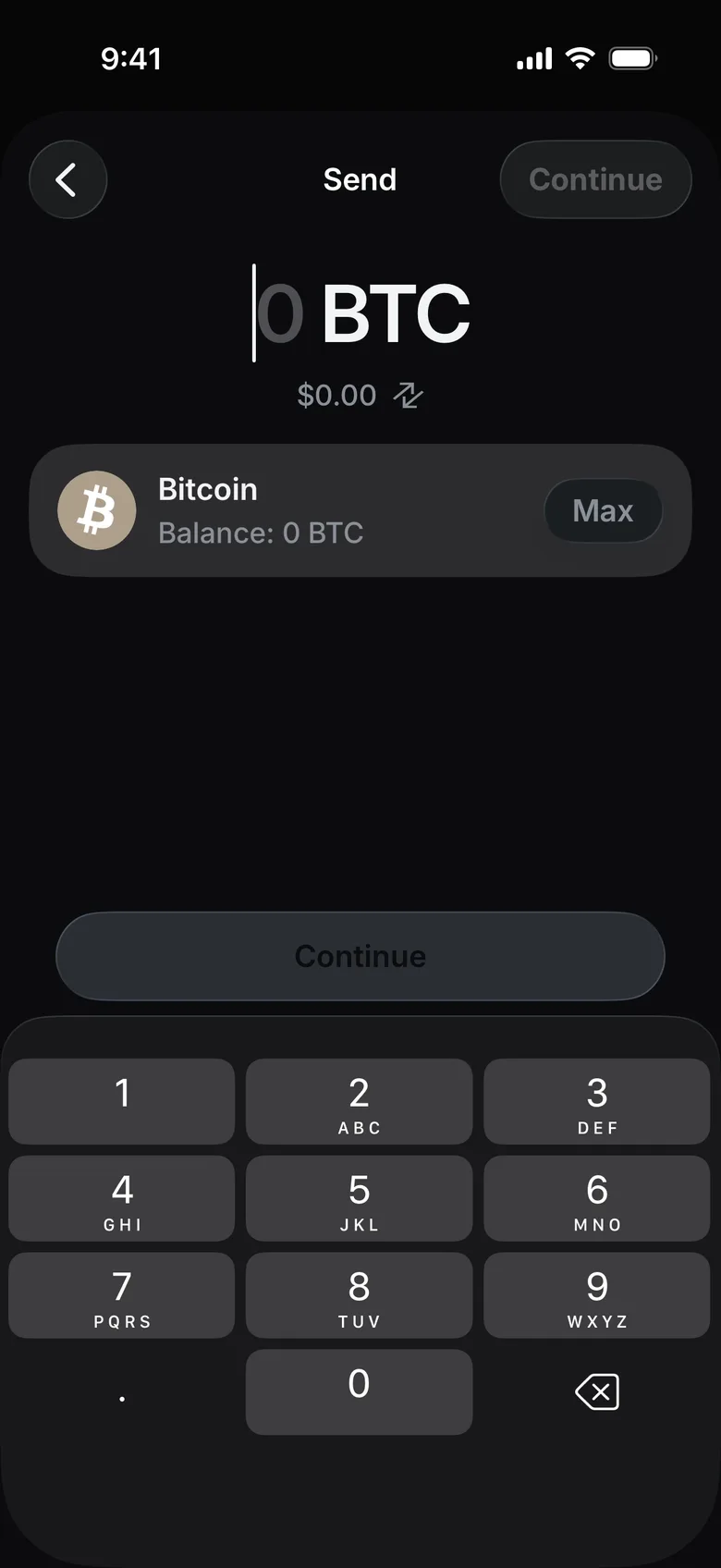
- Enter the amount and tap Continue.
- Review the network, full address, amount and estimated fee.
- Confirm the transaction with Face ID or the device passcode.
Check the result#
Open the activity item and record the transaction hash. A submitted transaction can remain pending while the network processes it.
If it does not complete, see Pending or failed transaction.