

QuiNVarium Wallet
Create a wallet
Create a new QuiNVarium Wallet and make a recoverable offline backup before receiving assets.
Create a new wallet only in the verified QuiNVarium Wallet app and finish the recovery backup before receiving assets.
Steps#
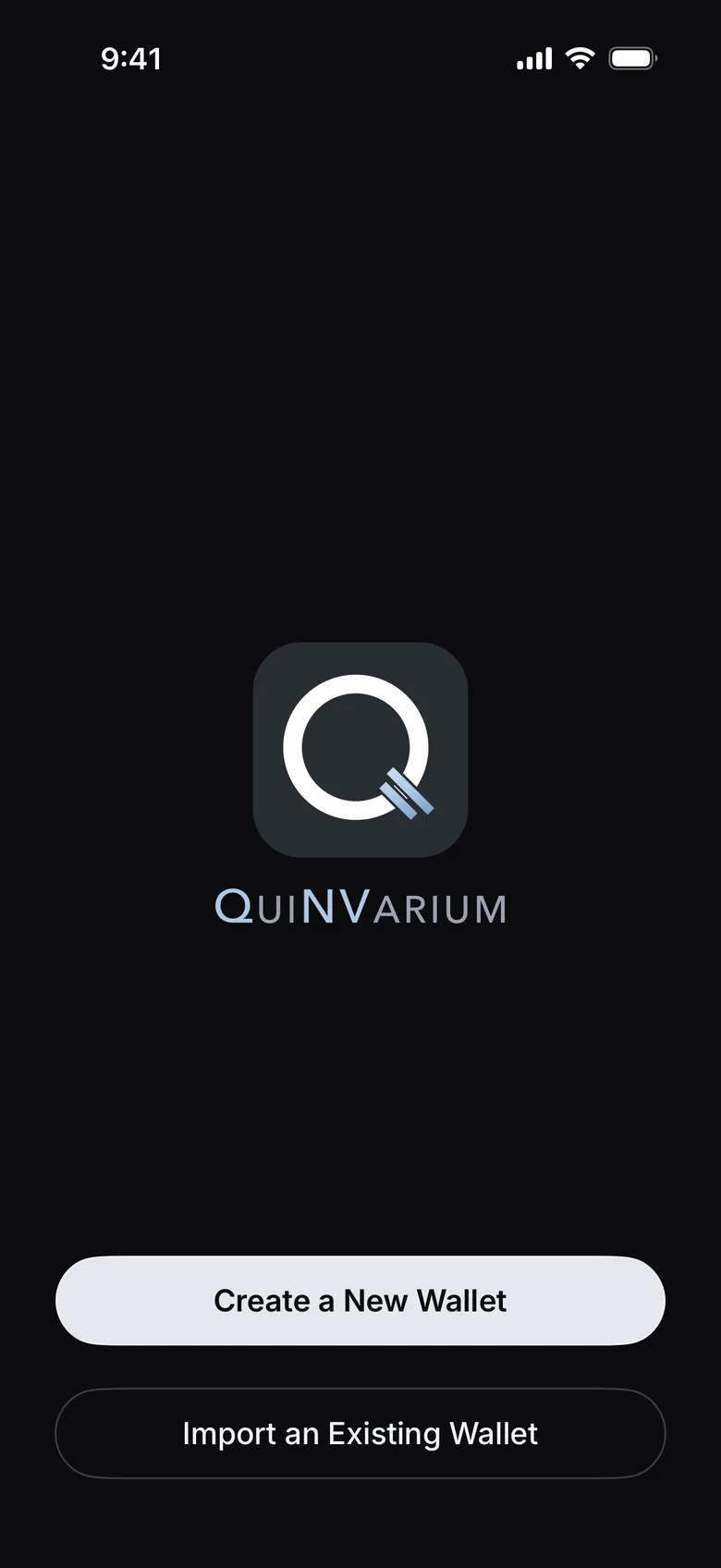
- Open QuiNVarium Wallet and tap Create a New Wallet.
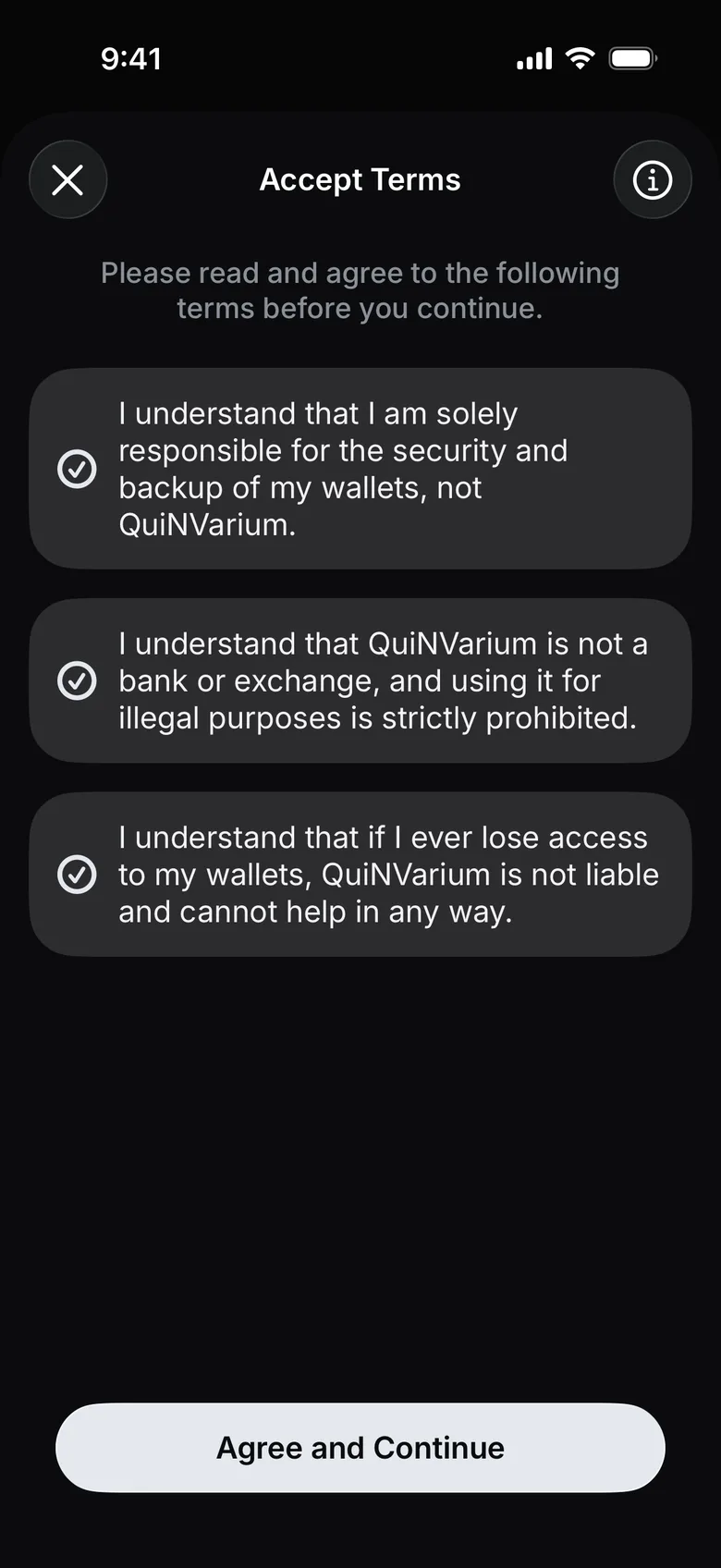
- Read the terms, tick all three boxes and tap Agree and Continue.
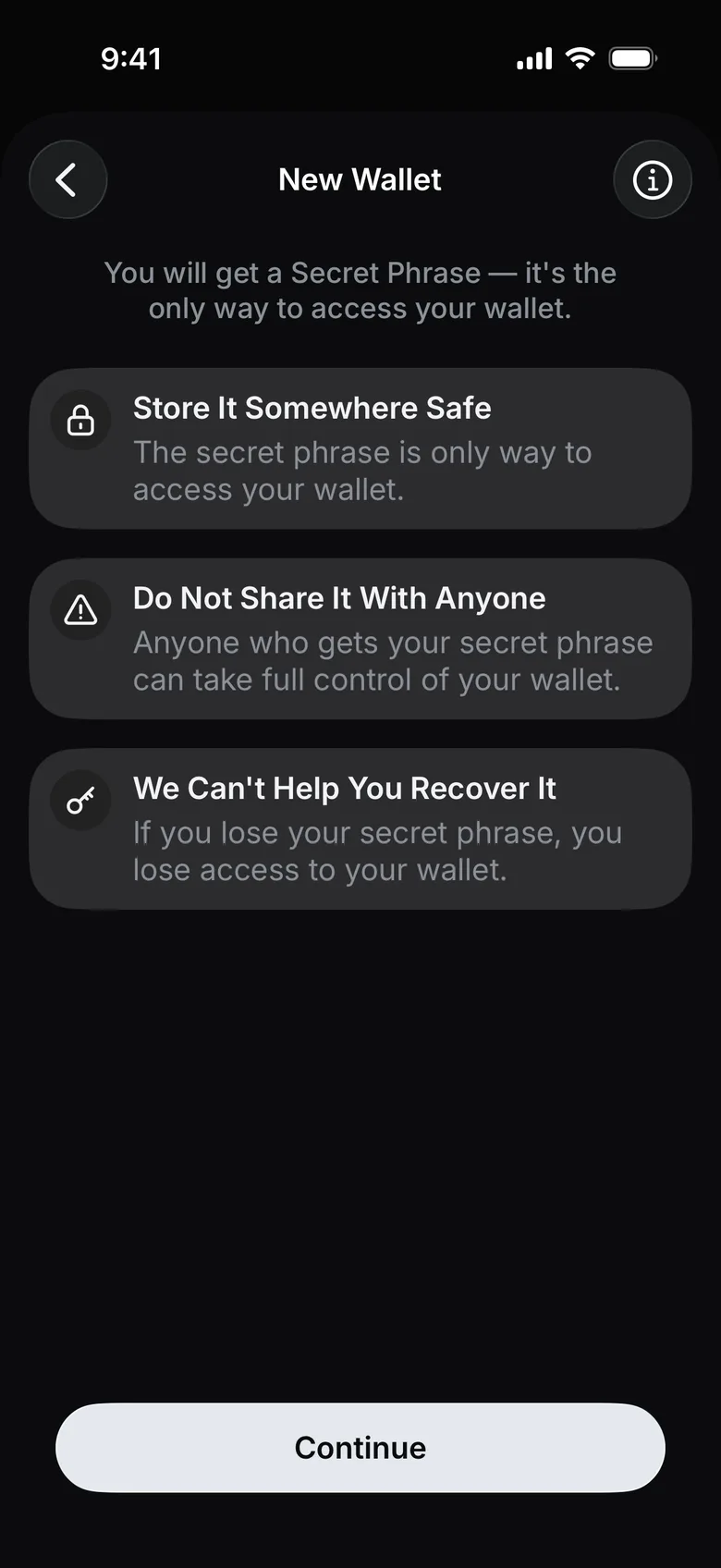
- Read the three warnings and tap Continue.
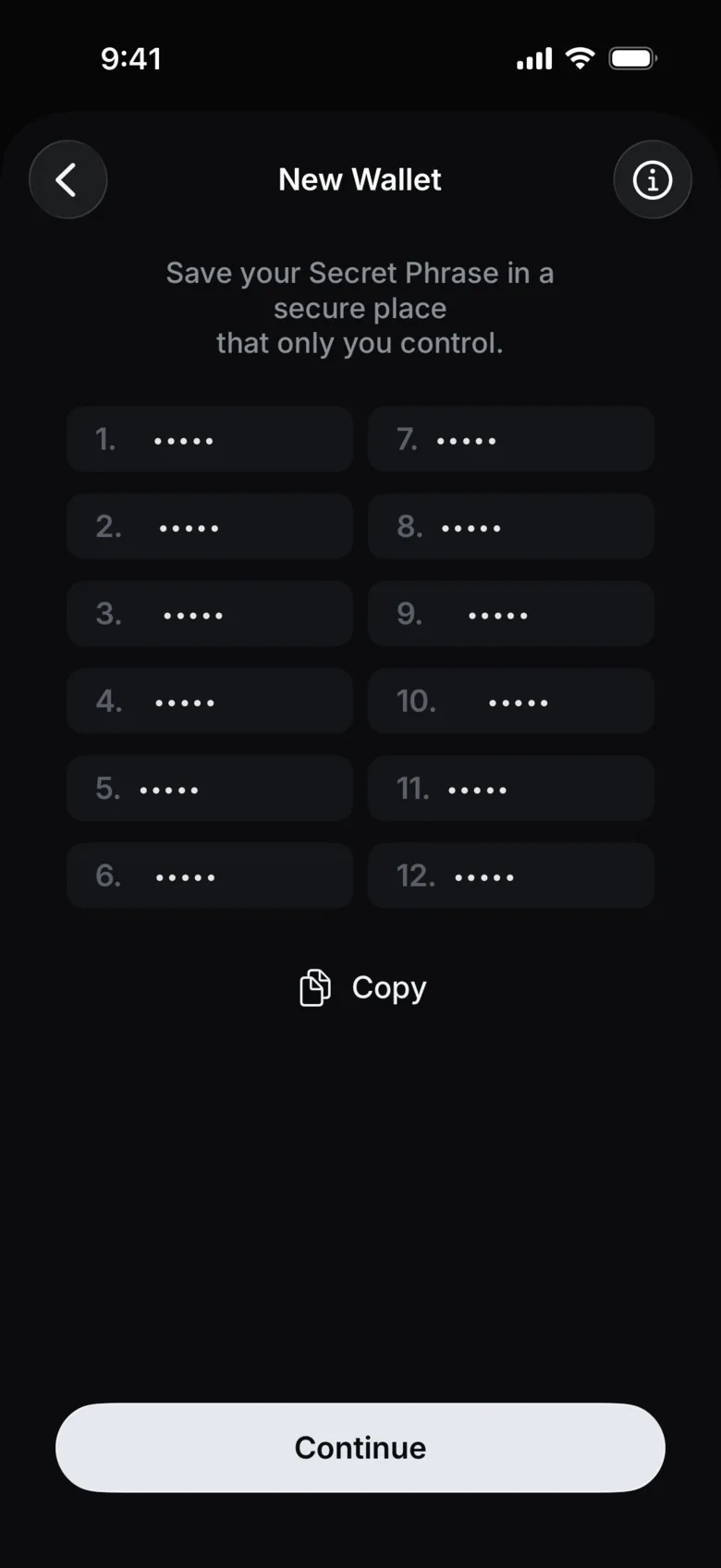
- Write the words on paper in the order shown and keep the paper offline. Tap Continue.
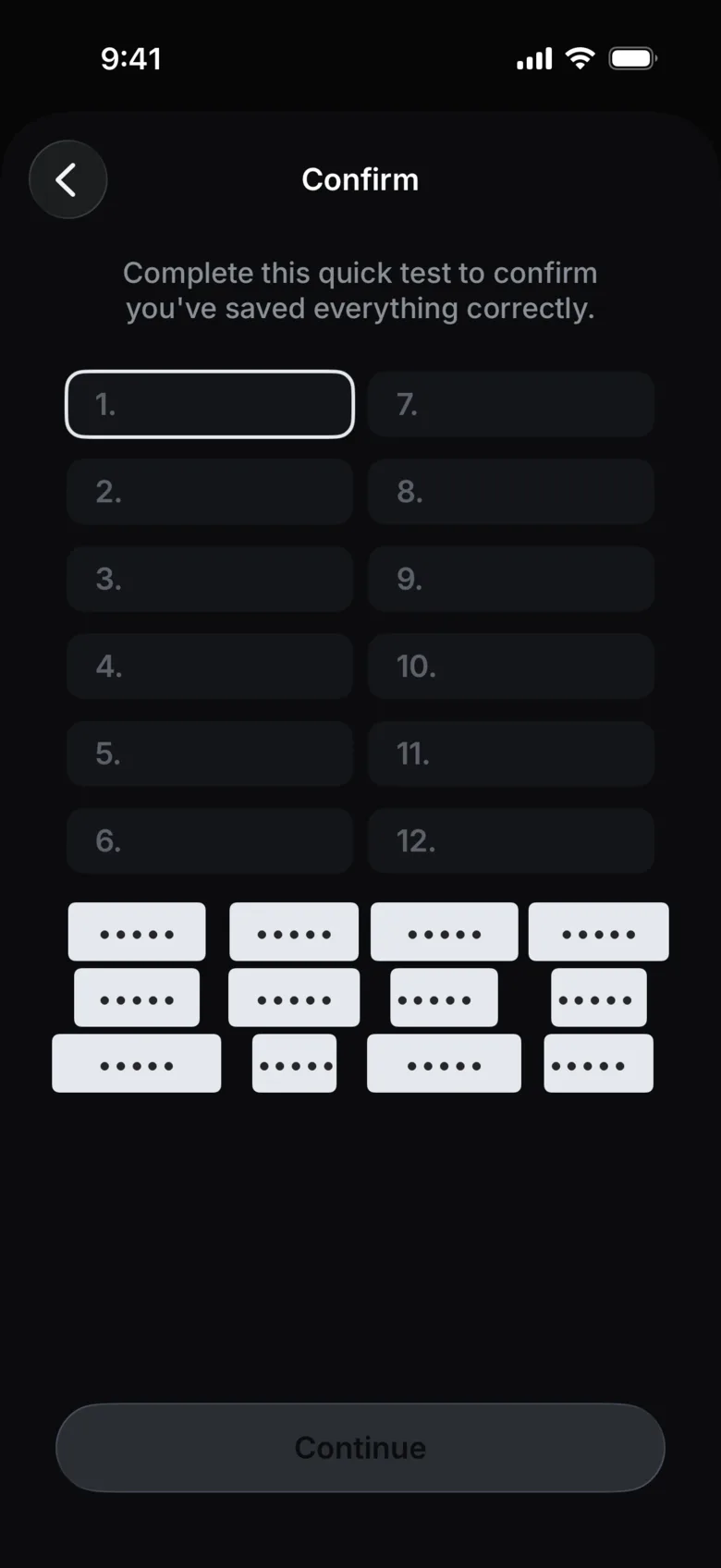
- On Confirm, tap the words in the order you wrote them down, then tap Continue.
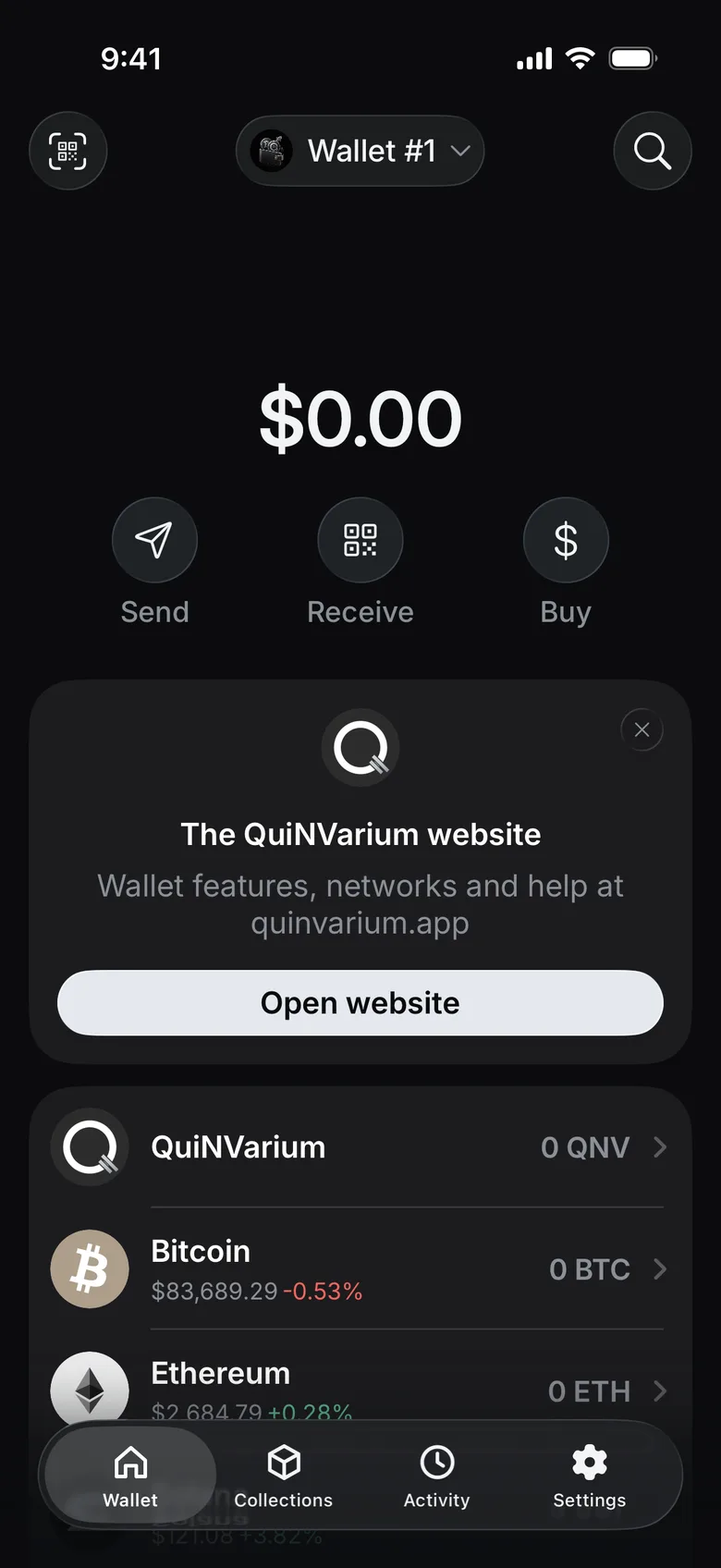
- The wallet home screen opens.
Check the result#
The wallet home screen opens and the backup confirmation is complete. Store the written backup separately from the device.
Before receiving assets#
Read Back up the recovery phrase and confirm that you can identify the correct network on the receive screen.