

QuiNVarium Wallet
Receive the first transfer
Receive a small test transfer on the correct network before moving a larger amount.
For a new wallet or network, receive a small test amount first. This confirms the address, network and sender flow before a larger transfer.
Steps#
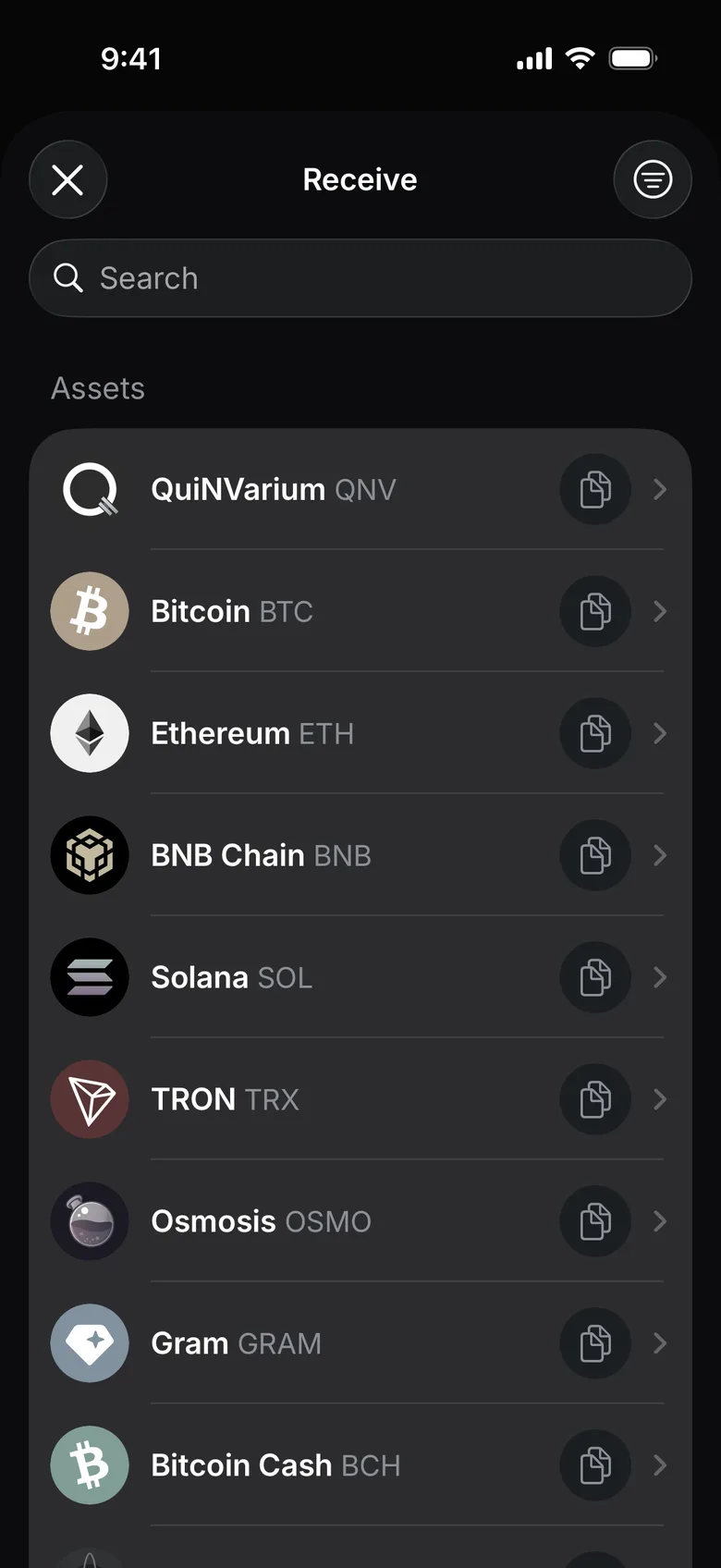
- On the wallet home screen, tap Receive and choose the asset you expect.
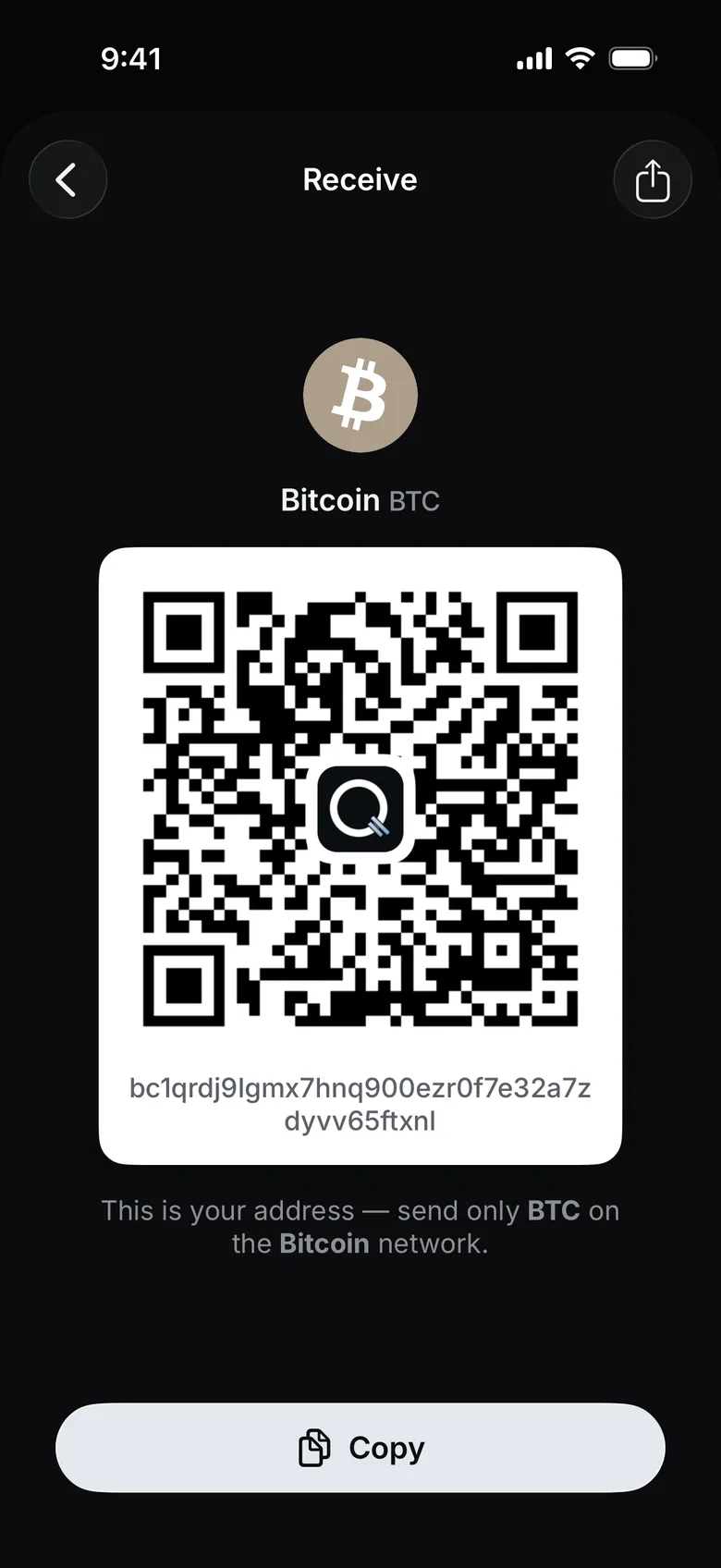
- Check the network named under the QR code.
- Check whether the sender requires a memo or tag.
- Tap Copy and share the address, with any required memo, through a trusted channel.
- Ask the sender to verify the same network and send a small test amount first.
- Wait until the balance updates. On Ethereum, TON and TRON the transfer also appears in Activity; on other networks check it in the network’s explorer by the sender’s transaction hash.
Check the result#
Open the transaction details and compare the transaction hash, network and amount with the sender's record.
For subsequent transfers, see Receive an asset.