

QuiNVarium Wallet
Contact QuiNVarium Wallet support
Open a useful support request through a verified channel without exposing wallet secrets.
Use only a support channel published below. QuiNVarium Wallet support does not initiate private conversations asking for wallet access.
Official channels
Never share a recovery phrase or private key.
Email support@quinvarium.app. Use the subject added by the link above and keep replies in the same thread.
In the app#
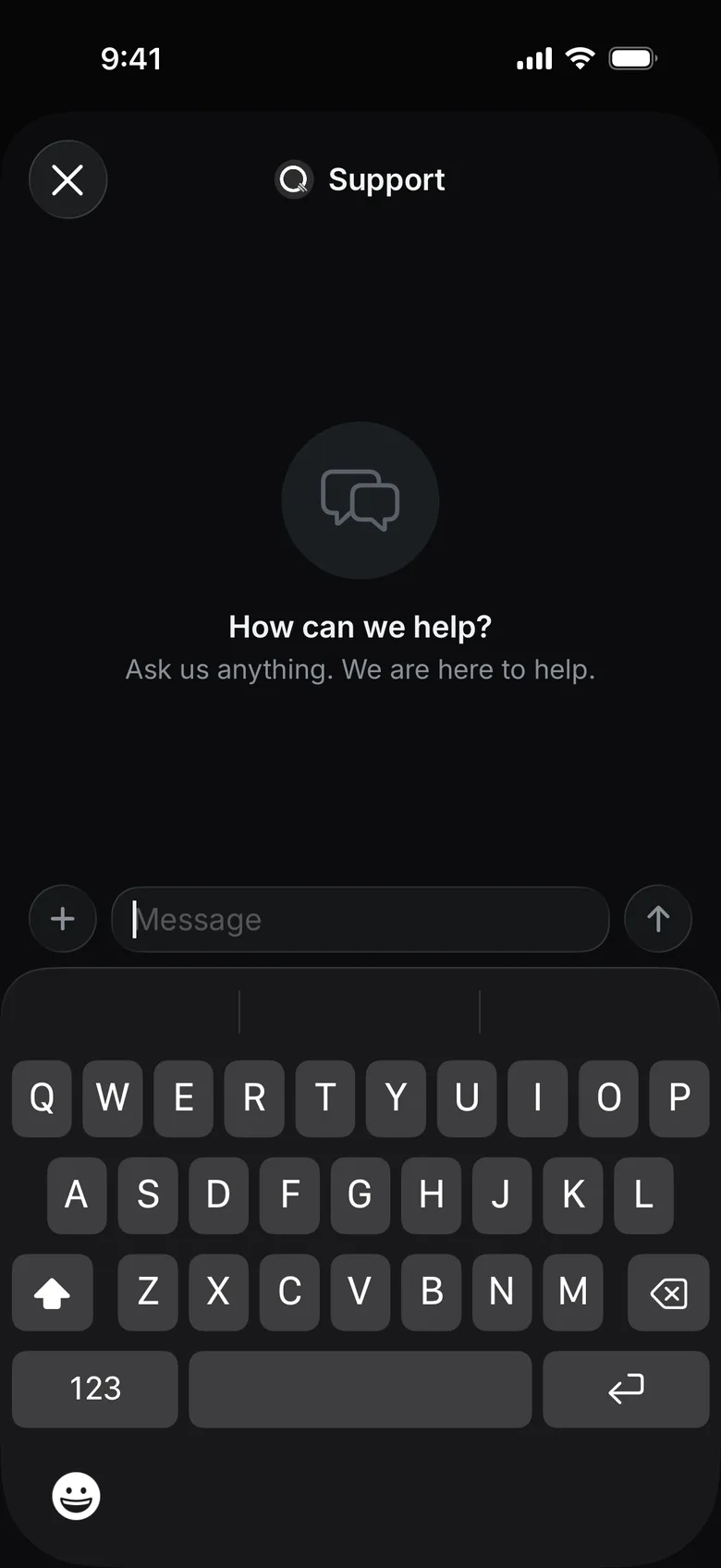
Open Settings → Support to write to support from the app. The reply appears in the same chat.
Include in the request#
- application version and operating system version;
- the action you attempted and the exact screen where it stopped;
- the blockchain network and public asset name;
- a public wallet address or transaction hash, only when relevant;
- a provider order identifier for a swap issue;
- the exact error message;
- a screenshot with names, email addresses, balances and unrelated identifiers removed where possible;
- the approximate time and timezone.
Never include#
- recovery phrase or any part of it;
- private key;
- wallet backup file;
- device unlock code, password or one-time code;
- full payment-card details or identity document unless the responsible regulated provider requests them inside its verified flow.
Read Safe information for support for examples.
What support can and cannot do#
Support can explain an app state, help identify a network or provider, locate public transaction information and record a defect. Support cannot sign for you, recreate a lost recovery phrase, reverse a confirmed blockchain transaction, or guarantee that a third-party provider approves an order.